The unified creative suite for the AI era

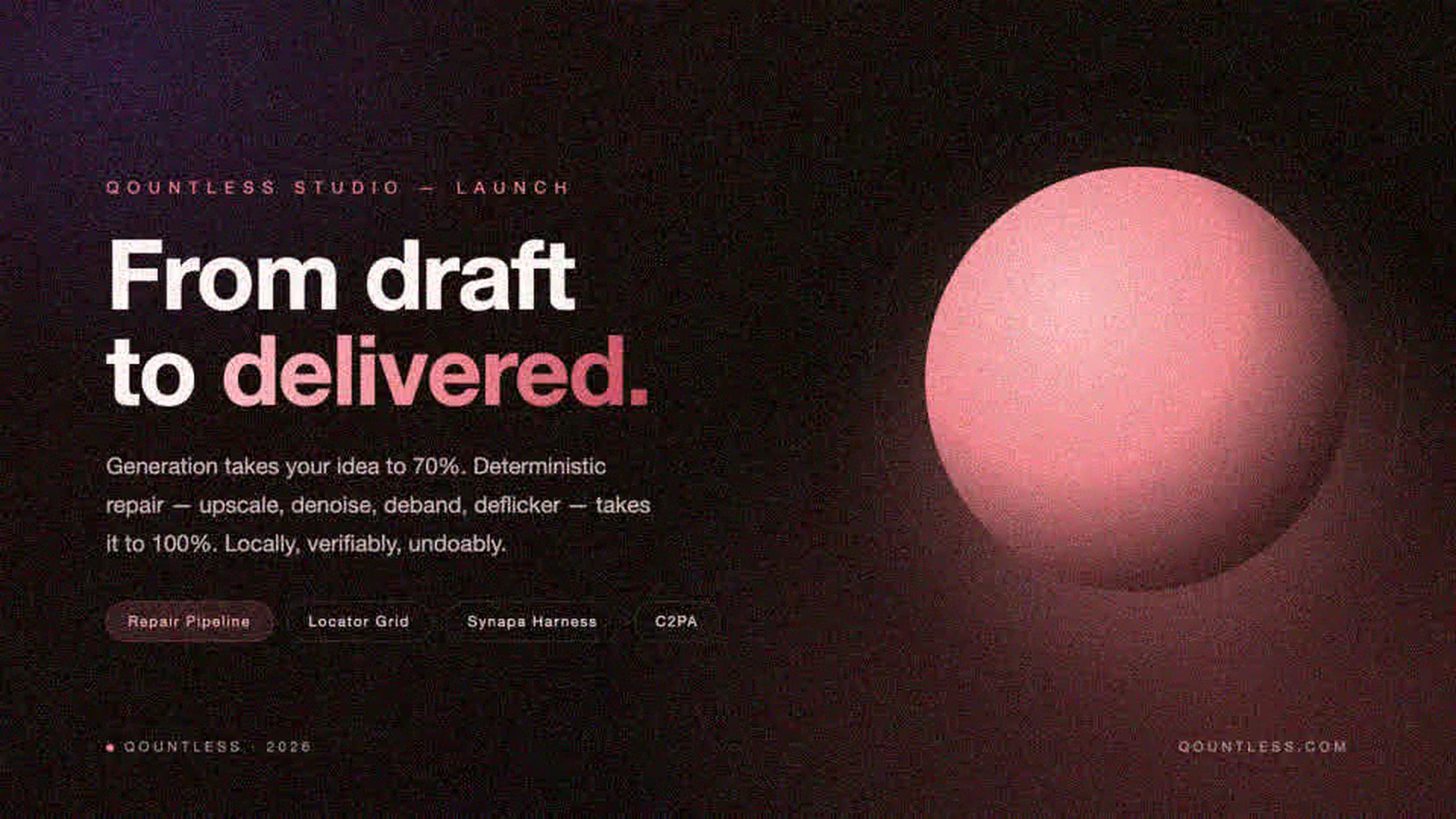
From AI draft
to deliverable.

Frontier models get your idea to 70% — noisy, soft, stuttering, off-spec.
Qountless is the professional layer that takes it the rest of the way: repair, refine, finish — in one app.

  • Local-first — media never leaves your machine
  • C2PA content credentials on every export
  • Honest AI — every capability labeled for what it is
Poster after Qountless repair: clean gradients, full 1920×1080 resolution, noise removed
Before After
  • −49%noise σ
  • pixels · 960×540 → 1920×1080
  • 0 hopsrepaired inside the suite
Generation is the draft Repair is the product Local-first, always C2PA on every export Plain-text formats · .qgx .qvx .qsn Honest AI, labeled One app · two workbenches · one AI layer

The problem

Everyone can generate now.
Almost nobody can deliver.

AI made raw imagery nearly free — and quietly moved the bottleneck. Today's drafts arrive 70% done: noisy, soft, stuttering, off-spec. Generation is becoming a commodity; the scarce skill is finishing.

The industry's reflex is more generation — re-roll, re-prompt, hope. Ours is engineering: deterministic repair pipelines that fix what's broken and prove it with numbers.

  • P·01

    Noise & grain

    Compressed AI exports and high-ISO footage arrive grainy. Grain reads as amateur — and no prompt fixes it.

  • P·02

    Soft resolution

    A 640×360 or 960×540 draft can't fill a 1080p / 4K delivery slot. Upscaling must add detail without the plastic look.

  • P·03

    Frame-rate judder

    12–15 fps AI clips stutter on every platform timeline. Deliverable slots ask for 24 or 30.

  • P·04

    Banding & flicker

    Night gradients tear into stairs; candle and neon flicker pulls the eye. Viewers forgive neither.

  • P·05

    Fragmented pipelines

    Generate in one app, "enhance" in a second, edit in a third. Every hop is an export/import tax on quality and time.

  • P·06

    Subscriptions stacking

    Six tools, six plans, six file formats to babysit. The suite tax is now bigger than any single tool.

The proof

See the repair.
Measure the repair.

Every asset below was degraded on purpose — then pushed through the exact repair pipeline that ships inside Qountless Video. Not a marketing render: the same code path, reproducible end-to-end, with the metrics to show for it.

0%

noise σ · poster

15.21 → 7.32

0%

noise σ · night video

16.37 → 6.67

pixels · all four assets

e.g. 640×360 → 1280×720

12 → 30 fps

frame rate · motion clip

2.5× smoother motion

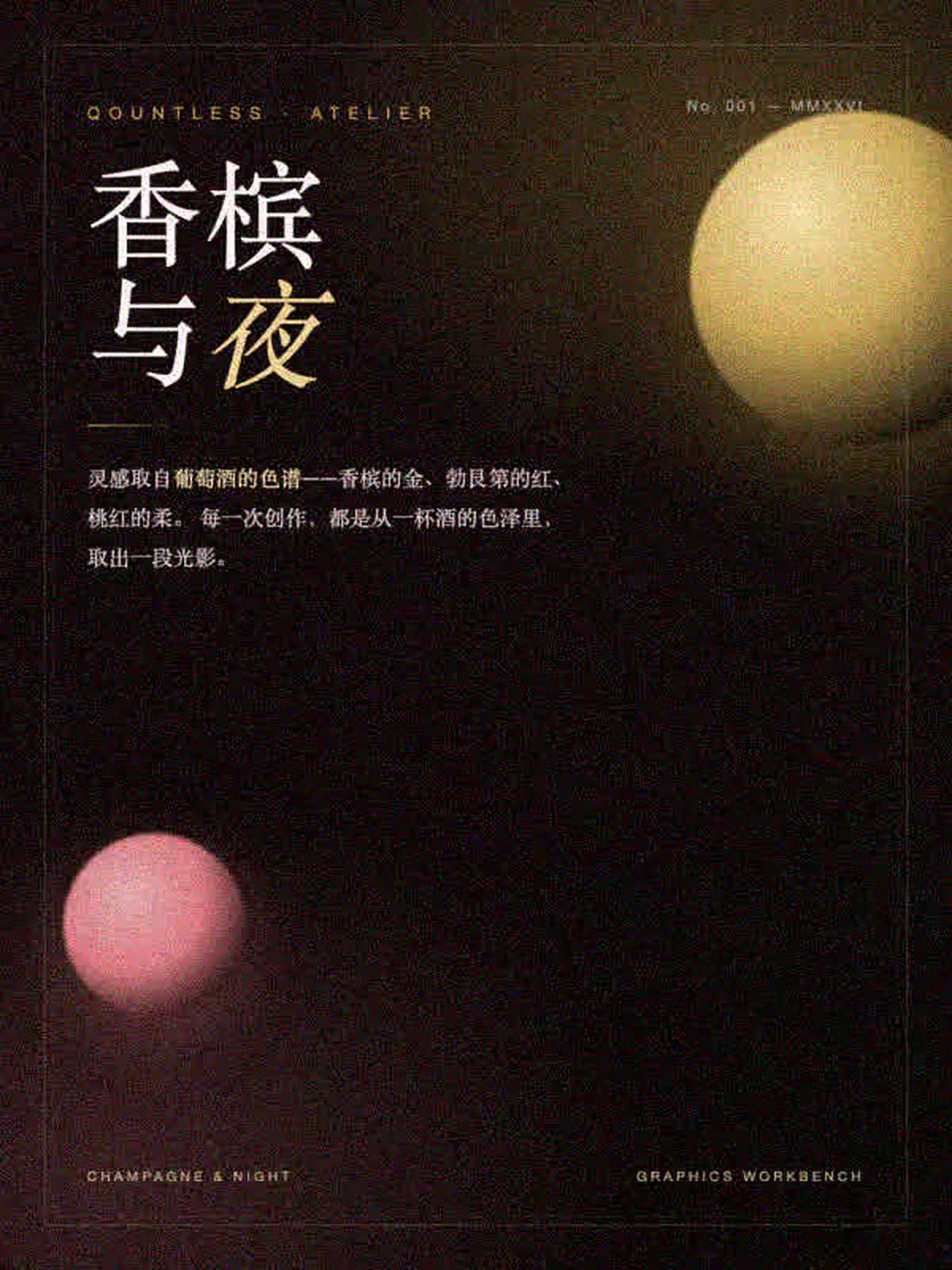
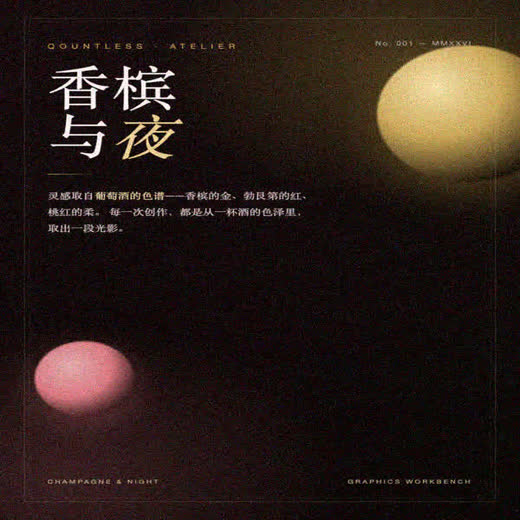
Champagne and Night poster after repair: clean, full resolution
Before After

Image · “Champagne & Night”

A poster that survives print.

Denoise → deband → 2× upscale → light balance, as one pipeline. Grain cut in half, four times the pixels, gradients smooth to the eye — and the file is now deliverable at 1200×1600.

  • Denoise 50
  • Deband
  • Upscale ×2
  • Light balance

Video · “Moonlit Lakeside”

Night skies without the stairs.

A gradient night sky is where compression bites hardest: banding steps, flickering firelight, grain in the dark. The repair pipeline removes the flicker, halves the banding stairs (15 → 8) and doubles resolution — in one pass, locally.

  • Denoise 45
  • Deflicker
  • Deband
  • Upscale ×2
Before After
Before After

Video · “Repair in Motion”

12 fps in, 30 fps out.

Slow-motion AI clips judder on every platform. Motion-compensated interpolation rebuilds the in-between frames — 4× the pixels and 2.5× the frame rate, while the orbit stays geometrically stable.

  • Interpolate → 30 fps
  • Upscale ×2
  • Denoise
  • Deflicker

Honest footnote: demo plates are locally designed sources with injected, known degradations (downscale + noise + heavy compression + low fps), so every defect is measurable — then repaired by the product's own EnhanceOp pipeline. Metrics above are measured on these assets; your material will vary. We'd rather give you numbers than adjectives.

Implementation honesty: repair runs on the deterministic FFmpeg pipeline that ships in the product — upscaling is lanczos interpolation with conservative sharpening (not neural detail synthesis), and frame interpolation is motion-compensated minterpolate (the RIFE neural path is feature-gated, off by default). Every capability is labeled in our honest disclosure.

Our answer

Three layers.
One app. Zero hops.

The industry is converging on generation. Our bet is what happens after generation — because that's where deliverables are made.

L1

Generate frontier models, via API · model-agnostic

Text-to-image, text-to-video and reference-based regeneration for character consistency. We plug in the strongest available models and stay swappable. AI here produces candidates and drafts — never final deliverables.
L2

Repair & finish local · deterministic · zero marginal cost

Super-resolution, denoise, deflicker, deband, frame interpolation, face-drift alignment, CJK typography. Rust + FFmpeg pipelines on your machine: same input, same output, every step previewable and undoable. This is the layer the proof section measures.

L3

Orchestrate Synapa · the AI conductor

You say “fix the hand at C4”. Synapa turns intent into a plan, you approve it, deterministic executors run it, verifiers check it against your delivery spec. Every step audited in .qsn and labeled with C2PA.

Local-firstmedia never leaves your machine
C2PAcredentials on every export
Open formats.qgx / .qvx / .qsn — plain text, Git-diffable
Honest AIreal model / classical algorithm / pipeline — labeled

The suite

Two workbenches.
One AI conductor.

Seven product lines consolidated into two deep workbenches and one AI layer. Every legacy brand lives on as a mode — nothing merged away, nothing discarded.

Workbench 01 · Graphics

Qountless Graphics

Assets → elements → layout, one pipeline. Unified canvas, unified library, .qgx format.

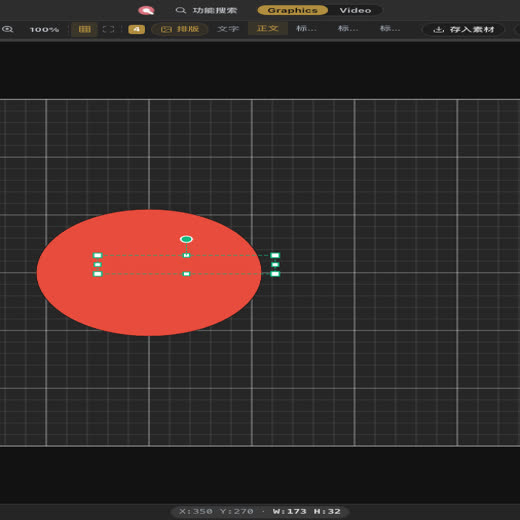
Drawia vector session — AI voice-driven, zero to poster
  • Drawia Vector · flagship

    Professional vector depth at newcomer speed. AI generates what you can't draw; you refine what AI can't perfect.

  • Picrio Bitmap

    Batch without losing fidelity, enhance without the plastic look. Strength 0–100%, live before/after, precise local application.

  • Layoute Layout

    CJK layout that works out of the box: vertical text, punctuation compression, print-grade line breaking.

Workbench 02 · Video

Qountless Video

Editing + AI restoration, one timeline. Unified media library, .qvx format.

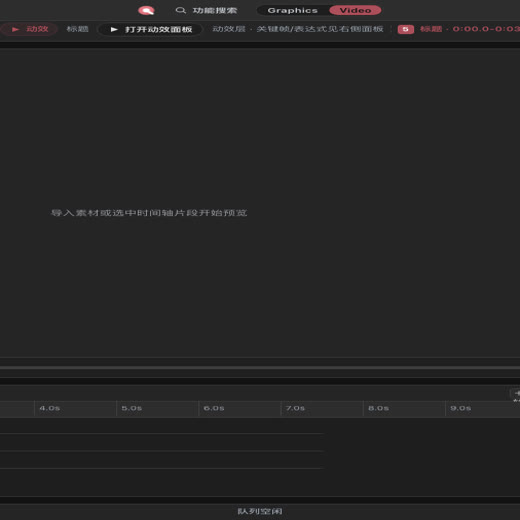
Glidecut session — repair panel at work
  • Glidecut Editing + AI restoration · flagship

    CapCut's simplicity, Premiere's precision. Scene detection, transcription and denoising that actually work — locally.

  • Kinetmot Motion

    Twin timeline + state-machine engines. AI writes expressions and keyframes — and explains why ease-out is the right call.

  • Nexuvert Transcode · distribution

    AI subtitles + smart filters, 20+ templates, failure isolation, resumable transfers. Edit once, distribute everywhere.

AI layer · Synapa

One dialog. The whole suite.

Not “AI replaces you” — AI breaks down the task, invokes the tools, and you approve every step. Trust over autonomy.

  • Forced plan confirmation, step undo, full .qsn audit logs
  • Included with Graphics or Video plans — no extra subscription
  • C2PA AI content credentials on every export

Get in

Start in the browser.
Go native when you're ready.

Web first — desktop next — tablets for on the move. One subscription, every surface.

01

Web app

No install. Open a tab and create.

  • Create and edit in both workbenches — no install
  • Local repair engine runs on the desktop app
  • Free tier: creation free forever, 2 AI credits / month
Open app.qountless.com

Community

Built in public.
Shaped in the open.

Qountless is developed in the open — roadmap, decisions and honest AI disclosures included. The community isn't an afterthought; it's a co-author.

Champagne and Night poster made with Qountless Graphics
Champagne & Night · Graphics
Moonlit lakeside frame repaired in Qountless Video
Moonlit Lakeside · Video
From draft to delivered key visual
Draft → Delivered · Graphics
Orbital motion clip repaired to 30 fps
Repair in Motion · Video
Drawia vector session
Vector poster · Drawia
Glidecut editing session
Timeline edit · Glidecut

Founding cohort

The first 1,000 creators shape Qountless.

Early access to new AI features, direct votes on the roadmap, monthly office hours with the team — and founding-member pricing locked for life.

Claim your seat

Free · no credit card · cancel any time

Pricing

Free to start.
Pay when you're convinced.

Every local creation feature is free forever. Pay only for AI efficiency or professional capabilities — and see exactly what each credit buys.

Free

$0/ forever

For everyone

  • All local creation features
  • Graphics + Video workbenches
  • 2 AI credits every month
Start for free

Starter

$2.99/ month

Annual $24.99 · 30% off

Web app · watermark-free + HD + AI plan

  • Runs right in the browser — no install
  • Watermark-free export + HD resolution
  • 60 AI credits every month
Get Starter

Video Pro

$6.99/ month

Annual $58.99 · 30% off

Desktop · video restoration + AI plan

  • Editing + AI restoration in full
  • Upscale ×2/×4 · denoise · frame interpolation
  • 150 AI credits every month
Get Video Pro

All-in

$10.99/ month

Annual $91.99 · 10% off combined

Both workbenches · best value

  • Every pro feature in Graphics + Video
  • 250 AI credits every month
  • One subscription, the whole suite
Get All-in

Honest AI

We label what runs under the hood.

Most suites blur the line between models, heuristics and filters. We publish ours — file by file, in the open repo.

Real AI models

  • Agent orchestration — LLM planning + tool execution (streamed)
  • Speech-to-text subtitles — local whisper models
  • AI matting — local WASM background removal*
  • Text-to-image / text-to-video — frontier API models

Partial AI (deterministic + gated models)

  • Video restoration — FFmpeg pipeline; RIFE interpolation is feature-gated
  • Face-drift detection — classic cascade + similarity transform

Classic algorithms (not AI)

  • Vector generation — keyword + geometry templates
  • Path optimization — Douglas-Peucker
  • Scene detection / smart crop — histogram analysis
  • Style transfer — color filter chains

Red lines

We never promise “one-click finished work”. Generated results are drafts and candidates only — every step is previewable, undoable and tunable. Demo material is labeled as such. Marketing never outruns the code.

FAQ

Questions, answered honestly

Is Qountless really free?

Yes. Every local creation feature is free forever — drawing, layout, editing, motion, subtitles, in both workbenches. You pay only for AI efficiency (credits) or professional capabilities (export, resolution, desktop performance). The free plan includes 2 AI credits every month.

What's the difference between the web app and desktop?

The web app runs right in your browser — no install, and the Starter plan unlocks watermark-free export and HD. Desktop unlocks the full pro engine: GPU acceleration, large files, offline work, 4K / 60fps / batch export, C2PA credentials and pro panels.

How does AI billing work?

Transparent credit math: 1 image = 1 credit, 1 second of video = 5 credits, one AI chat ≈ 0.1 credit. Monthly plans include an allowance; top-ups are pay-as-you-go and never expire.

Where does my media live?

Qountless is local-first. On desktop, files and media never leave your machine — restoration, denoising and transcription run locally. The web app runs in your browser for zero-install convenience.

Are the before/after demos on this page real?

Yes — with one honest caveat. The demo plates are locally designed sources with injected, known degradations (downscale, noise, heavy compression, low frame rate), then repaired by the exact pipeline that ships in Qountless Video — the same code path, reproducible end-to-end. The metrics shown are measured on those assets, not estimated.

What does “Buy once” include?

A buyout gives you that workbench's pro features forever — no monthly fee. AI remains a separate credit top-up, because AI has real per-use cost (our pricing, margin included).

Start today

Your next deliverable is
one draft away.

Professional creation, without the professional price. One entry, two workbenches, one AI layer.